
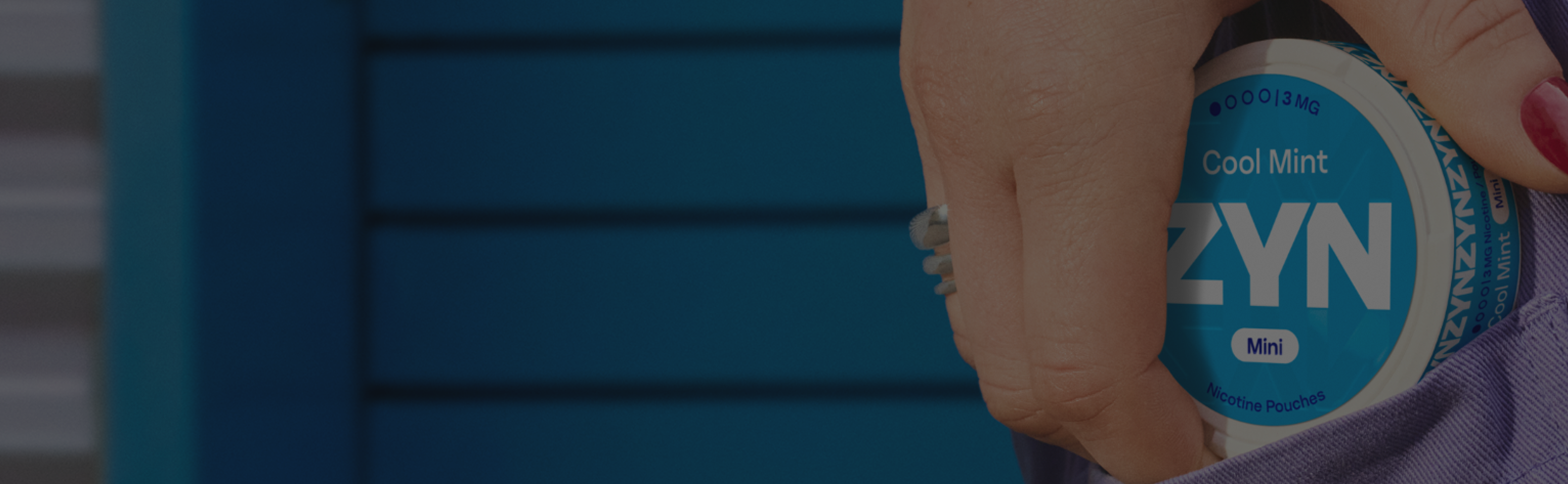
ZYN returns.
Find information for easy returns of online orders of ZYN cans.
Easy ZYN returns.
Your satisfaction is our priority, so we've made returning products easy. Whether you’ve bought the wrong flavour or pouch size, log a return and we’ll take care of the rest.

Free returns
Return the sealed ZYN can for free if you changed your mind or if there’s an issue with the order.

ZYN Product Returns Policy
We want you to love every product you buy. If you’re not fully satisfied, our ZYN returns process, aligned with our Returns Policy, makes it easy to send it back. Just log your return, pack it up, and we’ll handle free return delivery—so you get refunded as soon as possible.
.png)
Items eligible for return.
New, sealed cans of ZYN nicotine pouches can be returned for a full refund—no questions asked.
Bought your products online?
Orders placed on zyn.com cannot be returned to an IQOS Store. You must log your return online.
Return an online order
Didn’t buy your products on zyn.com?
Return a store-bought ZYN can to the IQOS Store or retail partner where you got it.
Find nearest IQOS Store
You can return:
- New cans of ZYN oral nicotine pouches
- Empty ZYN cans for recycling.
Please note:
- At the time of delivery, you will need to show your ID for age verification.
- No-one else can accept ZYN deliveries on your behalf.
Need to return an online order?
If your order contains multiple products, you can decide which products to return. Returns must be logged within 14 days of delivery.
Return an online order
How to return a ZYN order:
Submit your return request online or drop off the package at a Collect+ or Royal Mail location.
Online via zyn.com
- Log in to ZYN account
- Go to your order history.
- Select the item(s) to return.
- Print your prepaid return shipping label from the email we send you.
- Secure the products in the original packaging and attach the shipping label.
- One of our courier partners will collect the package.
Drop-off options
- Collect+ (track a return)
- Royal Mail (non-tracked return)
How to prepare the parcel for drop-off:
- Complete the return section of the delivery note that came with your order and put it in the parcel.
- Attach the pre-paid Collect+ or Royal Mail return postage label that came with your order.
- Attach the battery warning sticker on your original package to the parcel.
- Take it to a Collect+ drop-off point or Royal Mail post office.
- Keep your receipt as proof of postage.
Fees and refunds
- Returns are free.
- Once we receive and inspect the returned items, we’ll process a full refund to your original payment method.
- Once processed, the order status will update on your ZYN profile dashboard and the refund will reflect within 14 days.
- Check refund status
For further details, read the ZYN Returns Policy.
ZYN orders made easy.
Want to order something else? Get all the details on how to place an order, track and manage orders, and more.
All about return shipping labels.
Return labels ensure your package is tracked and reaches us safely, so we can either process your refund smoothly without delay.
A quick guide to ZYN return shipping labels
Where to find them
- Access and download your prepaid return label directly from the ZYN email we send you after you log a return request.
- Alternatively, look for the Collect+ or Royal Mail return shipping label that came inside your original package.
Completing the label
- Ensure all required fields are filled accurately—this helps avoid delays in processing your return.
- Shipping labels received via email are pre-filled.
- Collect+ and Royal Mail labels must be filled in by hand.
Attaching the label
Securely attach the label on the outside of your package for clear visibility. Use sticky tape to keep it in place.
FAQs.
If you received a ZYN order that is defective*, missing items, or damaged during delivery, our Customer Service team can help resolve the issue quickly.
To ensure a smooth process, please contact ZYN Customer Service and prepare the following information:
- Order number
- Product name
- Description of the defect, damage, or missing items
- Photos of the issue, if applicable (these help the team assess the situation faster)
After you submit your request, a representative will review the information and follow up with you via email with the next steps.
If you purchased an item from ZYN.com, it cannot be returned through an IQOS Store or any physical retail location. Online orders must be processed through our dedicated returns support channel to ensure proper tracking and handling.
To return an item purchased online:
- 1. Contact ZYN Customer Service for assistance with your return.
- 2. Prepare your product for return: Returned items must be:
• Unused
• Unopened
• In their original packaging - 3. Follow the instructions provided by ZYN Customer Service.
A representative will guide you through the return process and provide any required steps or return labels, depending on your market.
This ensures your return is handled quickly and safely.
If you bought your ZYN can from a supermarket, convenience store, or any third‑party retailer, the return must be handled by that retailer—not by ZYN.com.
Return timeframe
This timeline may vary depending on the retailer’s own return policy.
Condition of the product
To be eligible for a return, the ZYN can must be:
- Unused
- Unopened
- In its original packaging
Retailers may request a receipt or proof of purchase before accepting a return.
Important notes:
- We can only process returns for items purchased directly from the zyn.com. Retail purchases must be handled through the store where the product was originally bought.
We have a clear returns process for products purchased directly from ZYN.com. If you receive an item that is defective, damaged, or incomplete, the ZYN Customer Service team will guide you through the return and replacement steps.
To start a return:
- 1. Do not open or unseal the product (if possible).
Keeping the item sealed helps the team assess the issue and speeds up the resolution. - 2. Contact ZYN Customer Service: Describe the issue in detail. This ensures your request reaches the correct support team.
- 3. Provide the necessary information
Relevant details will help us investigate your case:
• Order number
• Product name
• Description of the defect, damage, or missing items
• Photos (if applicable) - A representative will review your request and email you with the next steps, which may include returning the product or receiving a replacement.
You can also refer to the full ZYN Returns Policy for complete information on returning items purchased online from ZYN.com.
(Markets should adjust processes and timelines based on local support capabilities.)
Other related topics.
1?qlt=85&ts=1790689100224&$PNG_600_480$&dpr=off)
ZYN orders
Everything you need to know to easily place, track, and manage ZYN orders – in one place.

ZYN deliveries
From tracking to timing, get all the information you need to follow your ZYN order’s journey.
Need more support?
Get help with your ZYN order, delivery, or return via any of our self-service channels.